APNG Studio
An interactive GitHub Copilot app canvas extension for building Animated PNG (APNG) files from frames — draw or upload frames, tune the full practical APNG spec surface, preview live, and export an animated .png.
The canvas renders in a side panel; the agent can also drive it through callable actions.

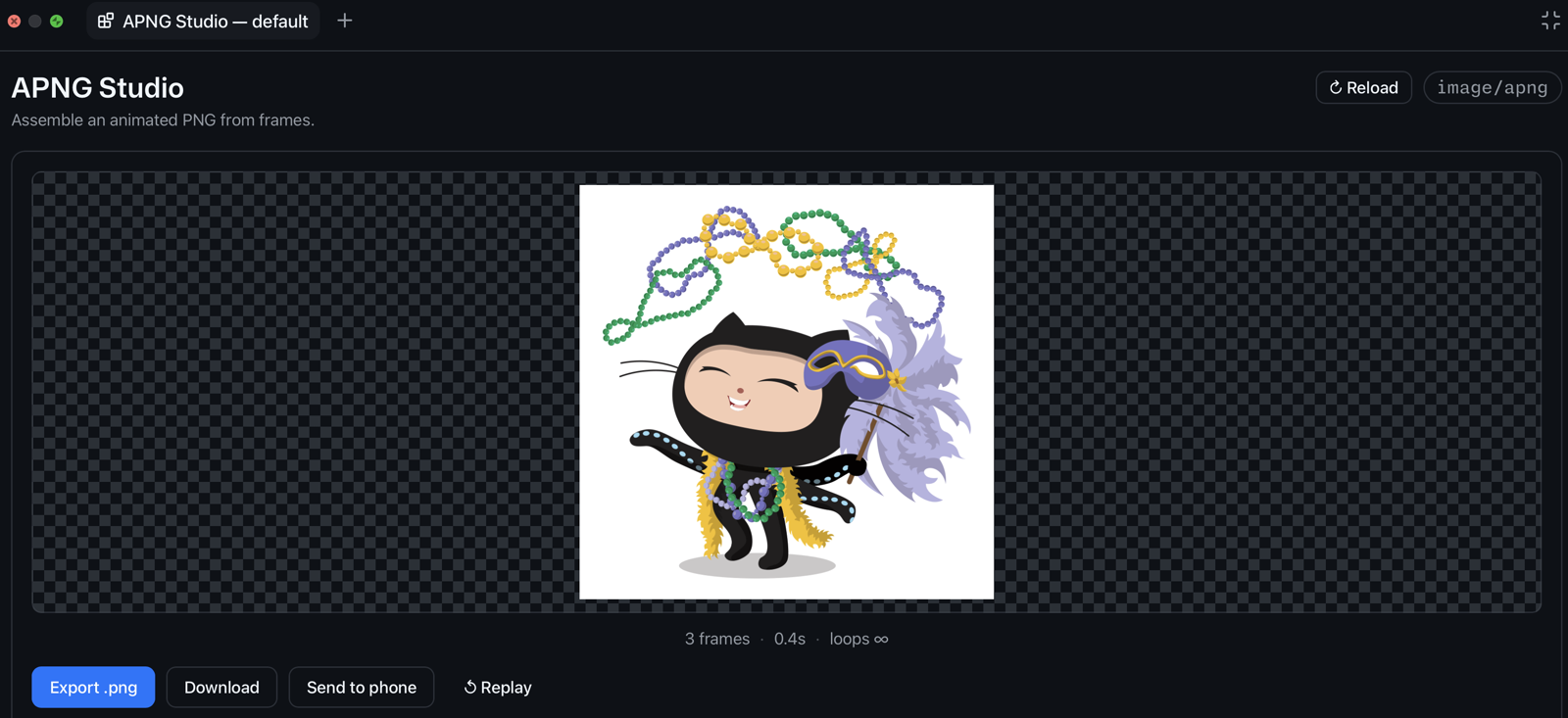
APNG Studio in action — an animated PNG built with the canvas itself.
Background
APNG Studio started as a hallway conversation. During a demo shift at the WeAreDevelopers Congress I got talking with Jeff about APNG (animated PNG) versus GIF: APNG keeps real alpha and full color where GIF can't. We wanted an easy way to actually build one, so we made this small canvas wrapper for creating APNGs.
Features
- Frames — upload images or draw them on a built‑in canvas (pen/eraser, fill, onion‑skin, "start from last frame"). Reorder, duplicate, and delete frames.
- Per‑frame timing — set the delay as an exact
numerator / denominatorfraction with a live= N ms · N fpsreadout. - Per‑frame compositing —
dispose_op(None / Background / Previous) andblend_op(Source / Over) dropdowns, straight from the APNG spec. - Apply to all — set every frame's delay (ms), snap to an exact frame rate (fps), or apply dispose + blend in one click.
- Loop count —
0= infinite, or a fixed number of plays. - Hidden first frame — mark frame 1 as a static fallback: shown by non‑APNG viewers, excluded from the animation loop (encoded as a default image with no leading
fcTL,num_frames = N‑1). - Live preview — a real animated PNG is assembled on every change and served from
/preview.png; a Reload button re‑syncs state and rebuilds the preview. - Send to phone — a Send to phone button opens a QR code; scan it with your phone camera (same Wi‑Fi) to open the live animation in your phone's browser and save it. Served read‑only from a short‑lived, token‑gated LAN endpoint that shuts itself down after 10 minutes.
- Export — writes a valid animated
.png(APNG) to disk and returns its path. The.pngextension keeps the file byte‑compatible with every PNG viewer: APNG‑aware ones (browsers, macOS Quick Look) animate it, others show the first frame as a static fallback.
Install
From GitHub Copilot (recommended)
Ask Copilot to install the committed extension URL:
Install this extension: https://github.com/github/awesome-copilot/tree/main/extensions/apng-studio
You can also copy the folder into one of these locations:
- User —
~/.copilot/extensions/apng-studio/, available in every project. - Project —
.github/extensions/apng-studio/inside a repo, committed and shared with your team.
Reload extensions in the app, then open the apng-studio canvas.
Manual
Copy the source files into one of the extension directories above, keeping the layout:
apng-studio/
├── extension.mjs      # entry point (required name)
├── apng.mjs           # APNG codec + RGBA→PNG encoder
├── qr.mjs             # dependency-free QR encoder (Send to phone)
└── web/               # canvas iframe renderer
    ├── index.html
    ├── app.js
    └── styles.css
Then reload extensions. The @github/copilot-sdk import is resolved by the host — do not add a package.json or node_modules for it.
Open the canvas
Once installed, open the APNG Studio canvas from Copilot. Optional open input:
| field | type | description |
|---|---|---|
projectId |
string | Animation project id (defaults to default). |
name |
string | Optional display name for the animation. |
Each project's frames persist on disk under artifacts/<projectId>/, so they survive reloads and are shared between every open panel and the agent actions. That folder is local user data and is git‑ignored.
Agent actions
The extension exposes these callable actions on the apng-studio canvas:
| action | what it does |
|---|---|
get_state |
Return project settings + per‑frame timing/compositing and total duration. |
set_settings |
Update width/height (only with 0 frames), loops, and hiddenFirst. |
add_color_frame |
Append a solid‑color frame; accepts delayNum/delayDen/disposeOp/blendOp. |
set_frame |
Update one frame (frameId) or all (all: true): timing via delayMs/fps/delayNum+delayDen, plus disposeOp/blendOp. |
clear_frames |
Remove every frame. |
export |
Assemble and write the animated .png (APNG) to disk; returns the absolute path. |
All actions accept an optional projectId to target a specific animation.
How it works
extension.mjs— one loopback HTTP server per open canvas instance serves the renderer, JSON state, per‑frame PNGs, the live/preview.png, and mutation endpoints. Server‑Sent Events (/events) push achangedsignal so every open panel and the preview stay in sync. Send to phone spins up a separate, read‑only LAN server that serves only a landing page and the preview image, gated by a short‑lived random token and torn down on expiry.apng.mjs— assembles the APNG chunk stream (IHDR/acTL/fcTL/IDAT/fdAT/IEND) with contiguous sequence numbers, plus a minimal RGBA→PNG encoder.qr.mjs— a small, dependency‑free QR encoder (byte mode, error‑correction level M) used to render the Send to phone code. The QR is drawn into a PNG with theapng.mjsencoder.web/— the iframe UI. It talks to its server over plain HTTP; there is no privileged host bridge.